Find commands faster
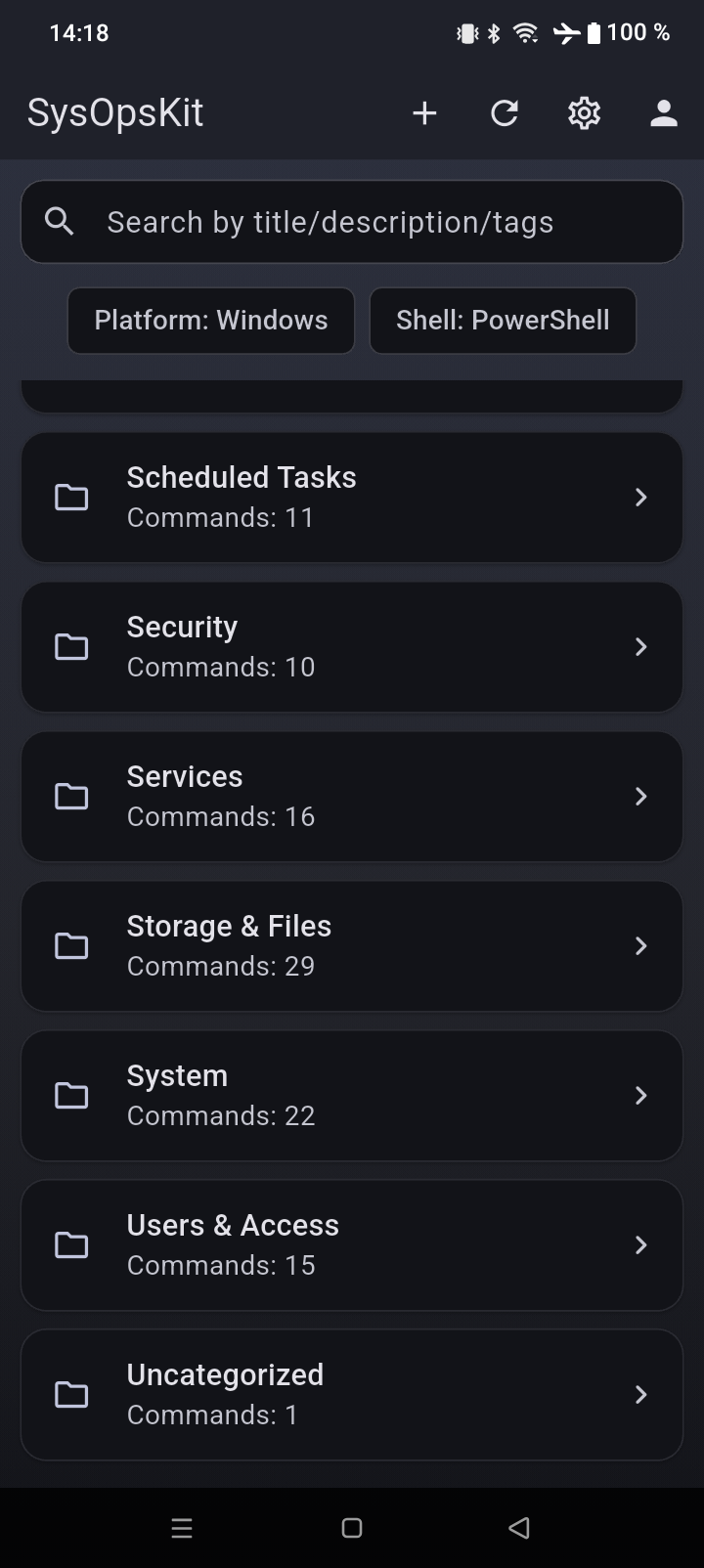
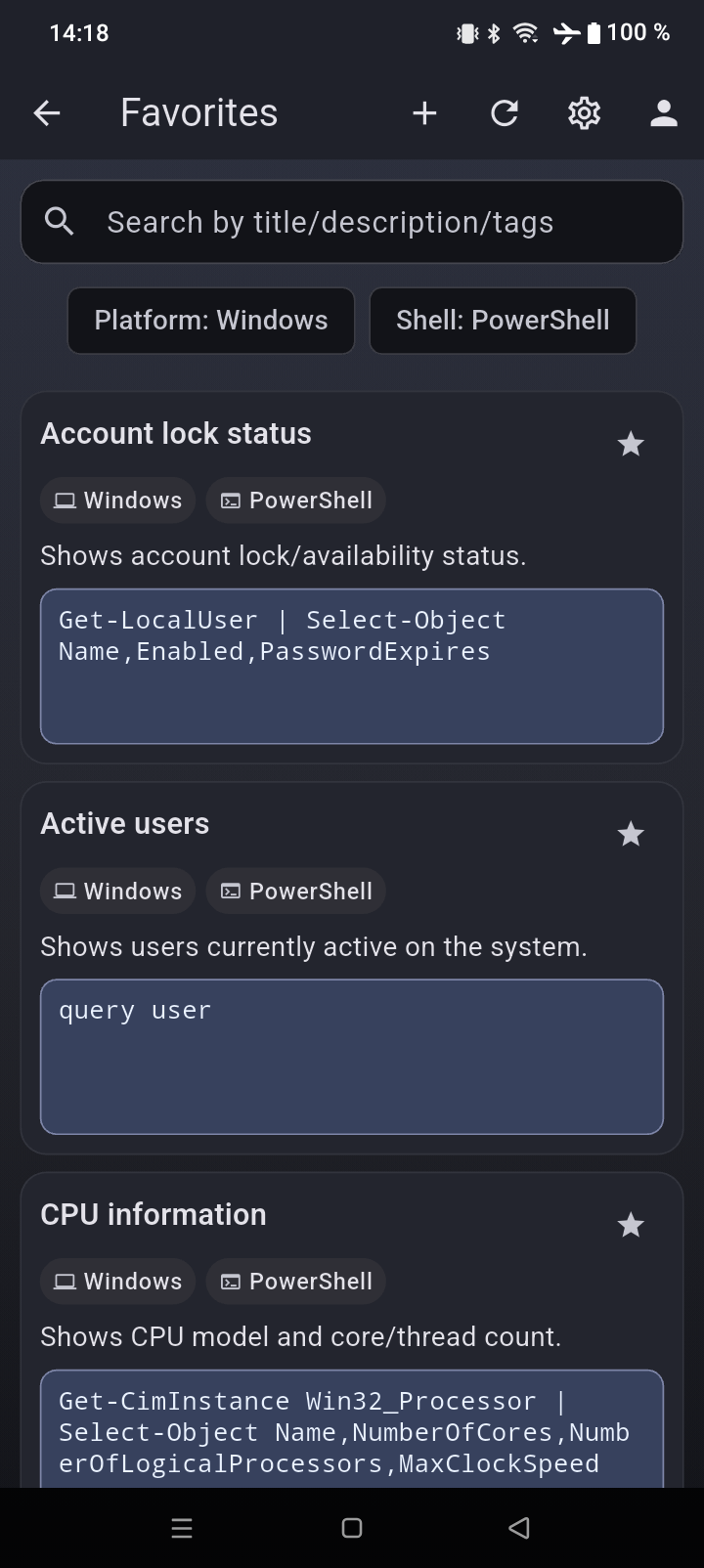
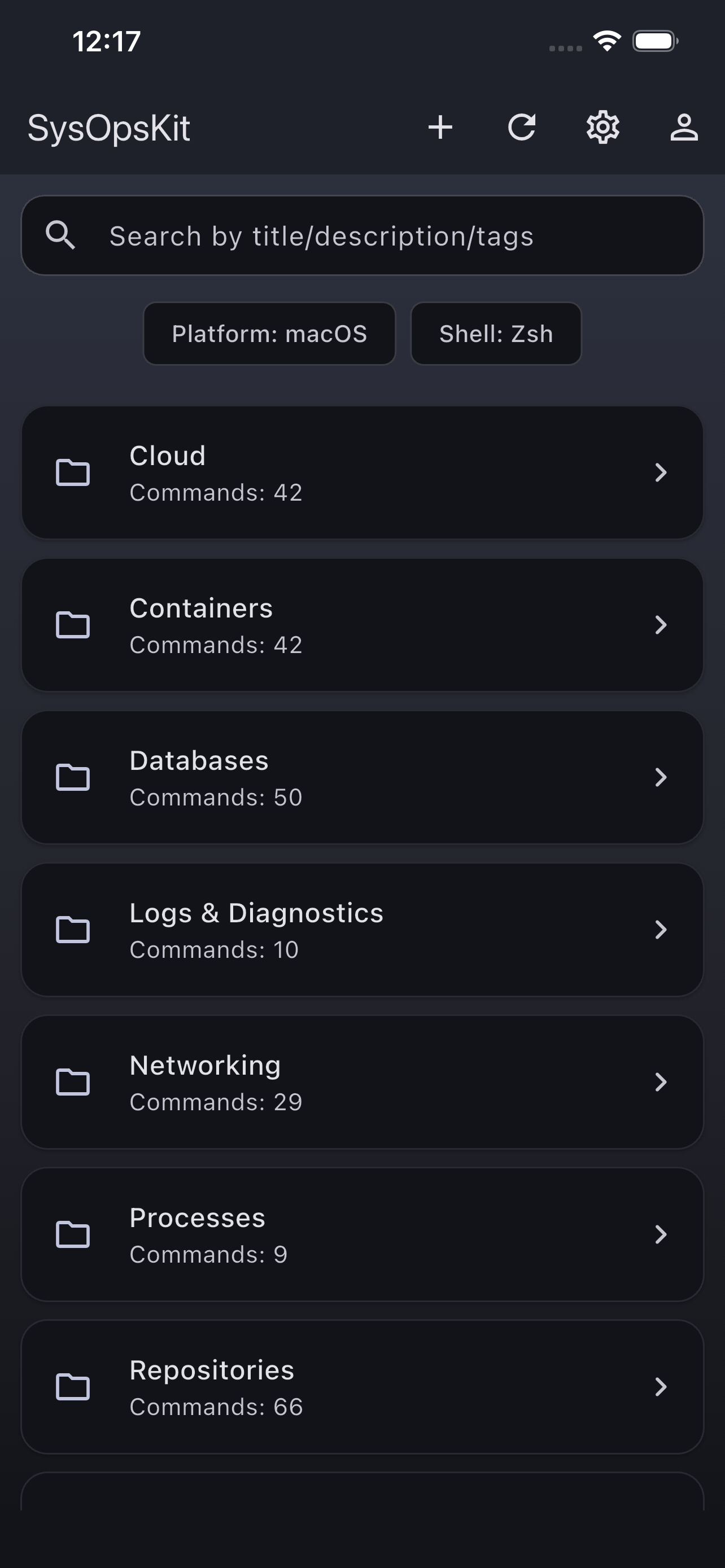
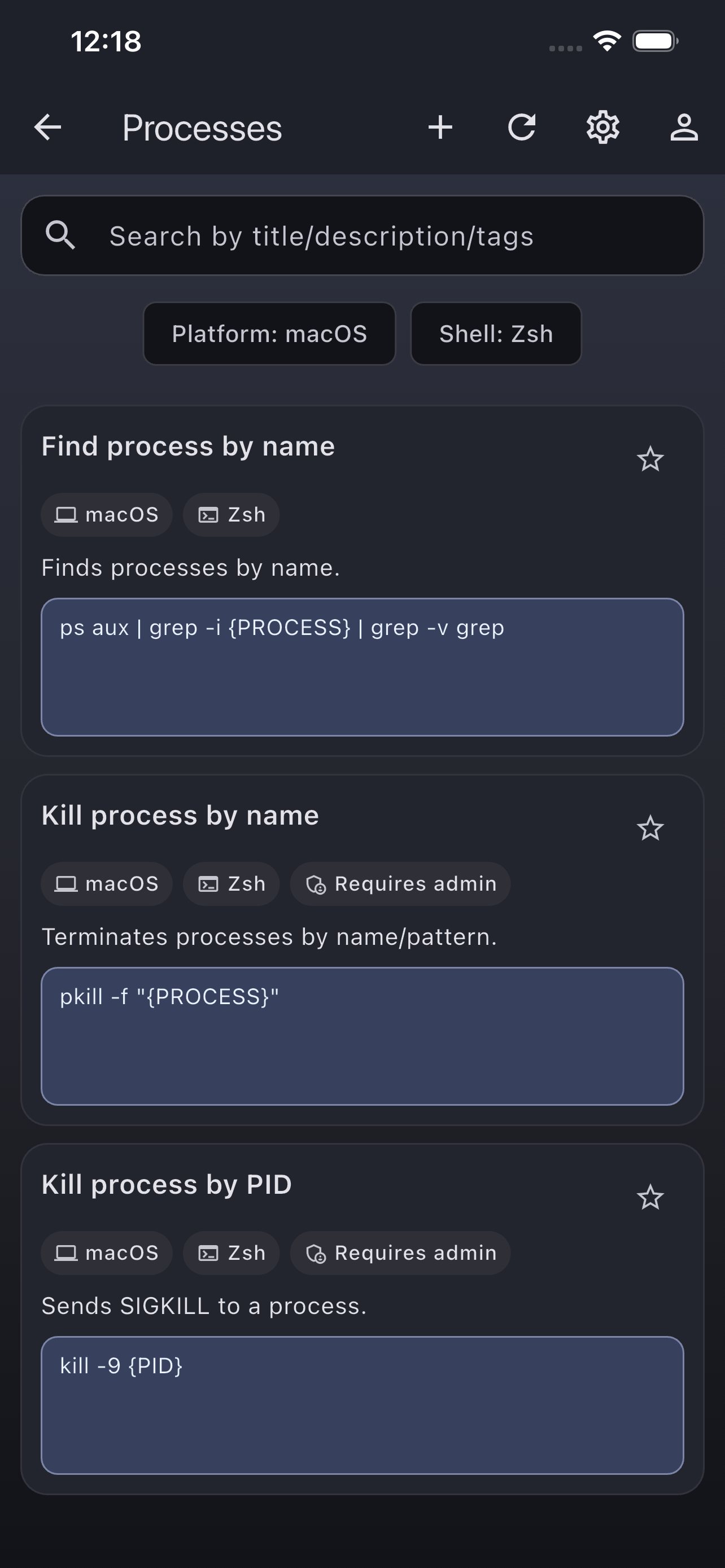
Browse a moderated command catalog by category, platform, shell, title, description, and tags. Save favorites for repeat work.
Find copy-ready commands, run diagnostics, test APIs, inspect tokens, and keep your own snippets close during support, maintenance, and incident work.
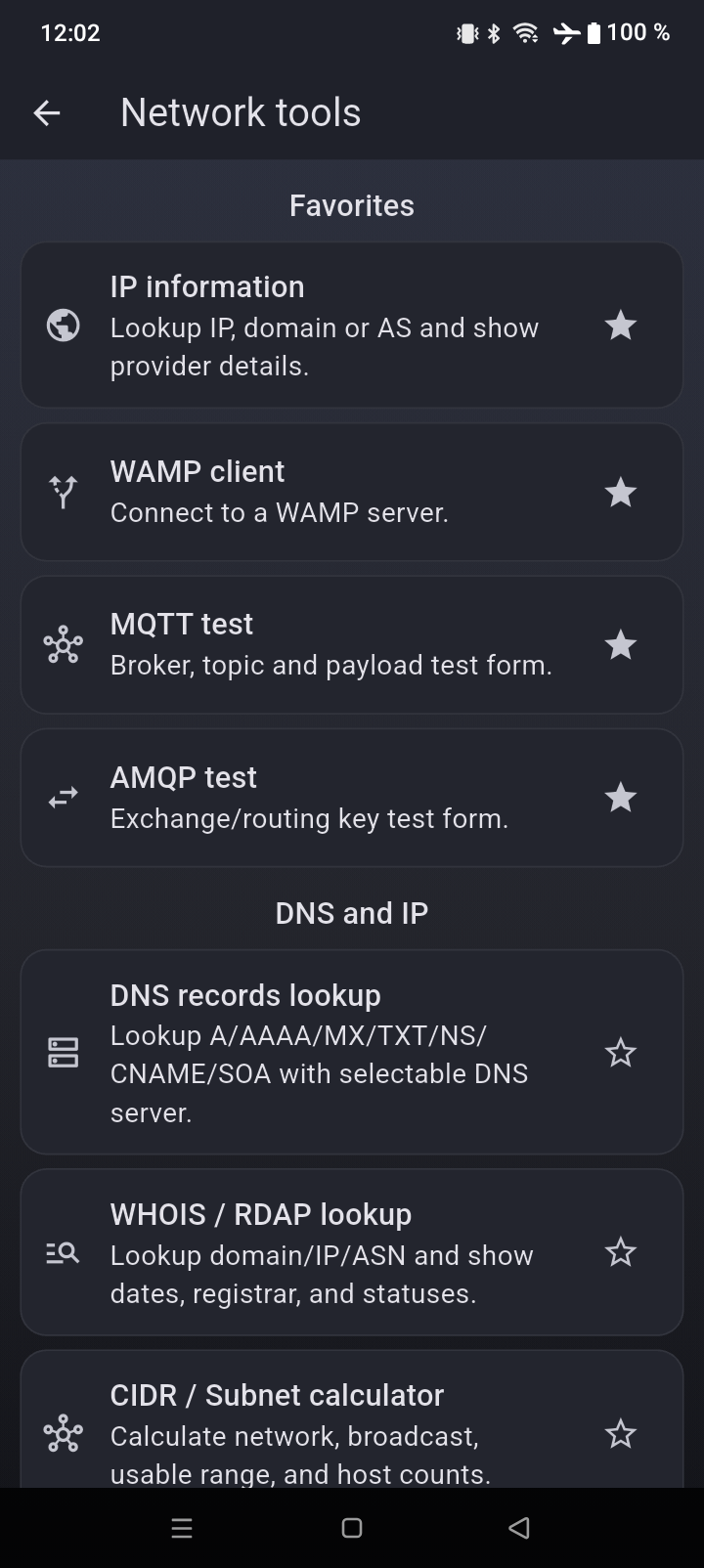
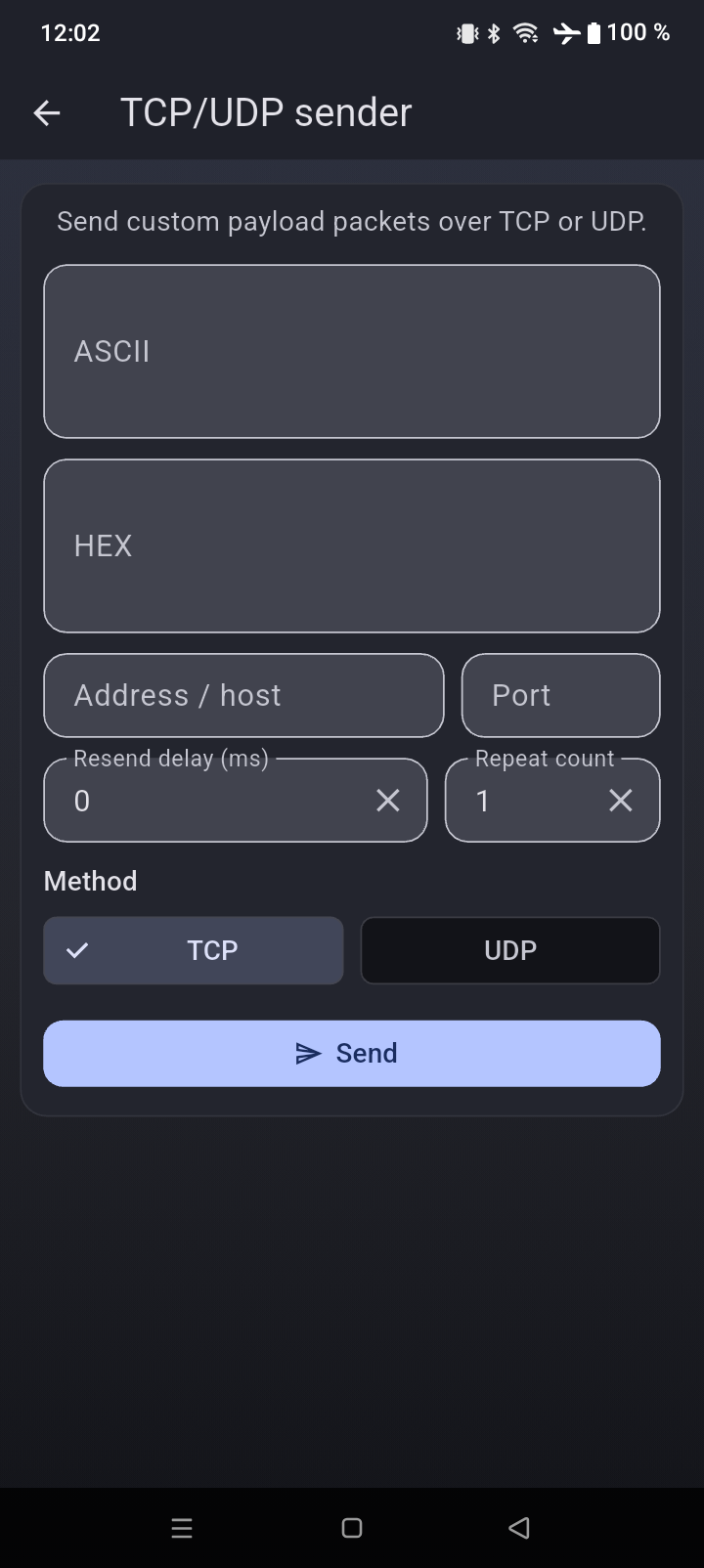
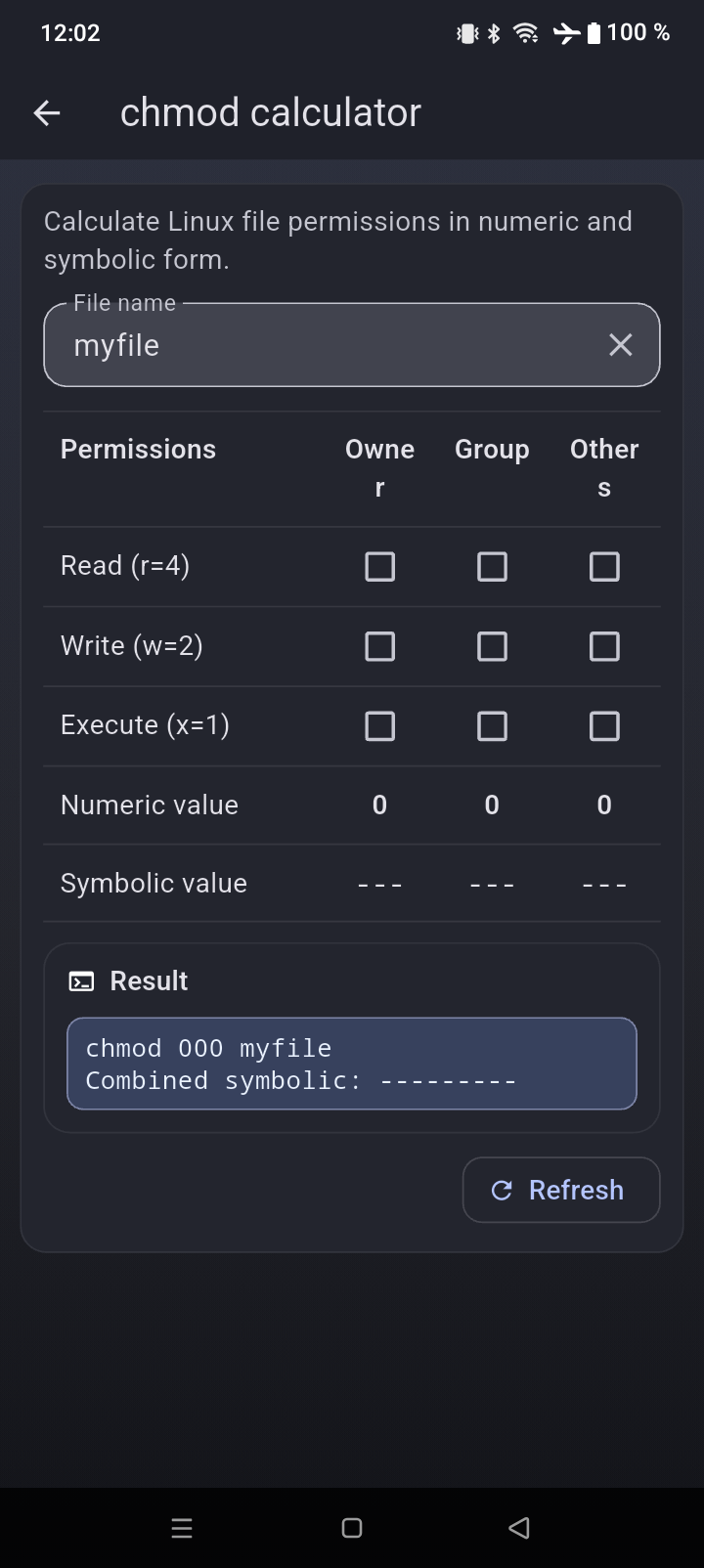
SysOpsKit replaces scattered notes, browser tabs, and one-off utility sites with a focused mobile workspace for operational work.
No ads, no noisy dashboards, and no need to rebuild the same command snippets every time you switch devices.
Browse a moderated command catalog by category, platform, shell, title, description, and tags. Save favorites for repeat work.
Check DNS, TCP/UDP, ports, CIDR, HTTP, WebSocket, TLS, JWT, UUID/ULID, HMAC, JSON/YAML, regex, MQTT, AMQP, and WAMP.
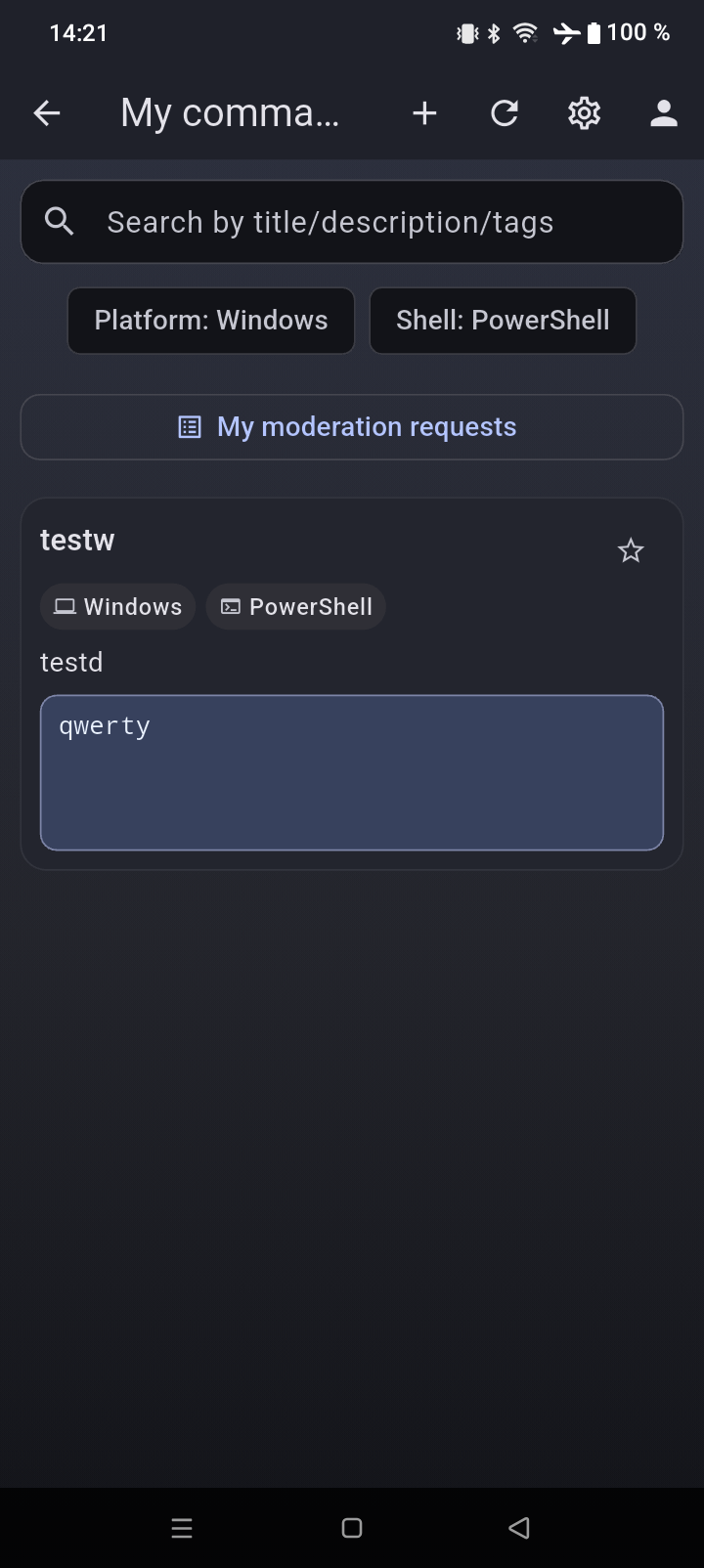
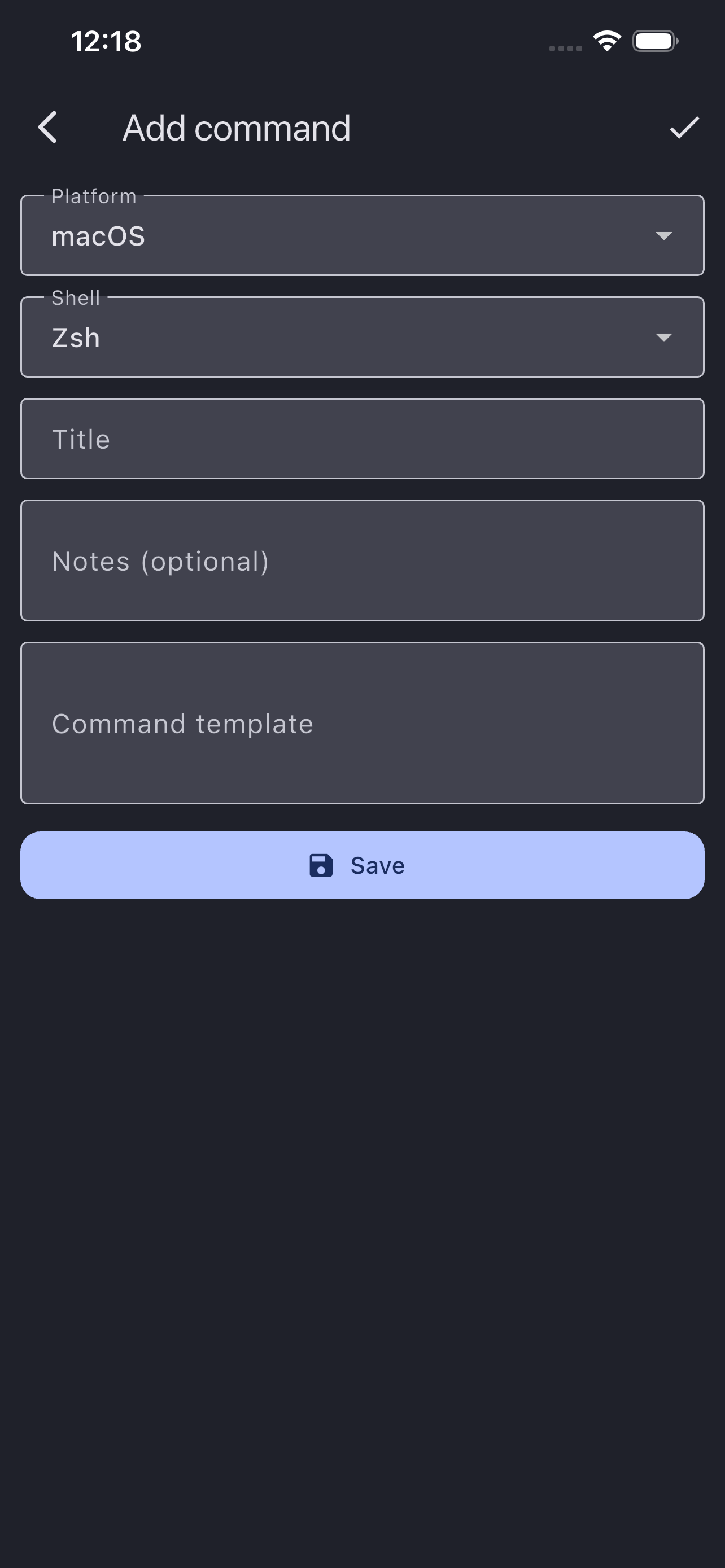
Create private commands with notes, keep favorites synced, and avoid hunting through chats or old tickets during incidents.
Open SSH terminal and SFTP tools for quick remote checks, file browsing, uploads, downloads, and text edits.
The command catalog is offline-first, so common runbook steps remain available when connectivity is limited.
Open SysOpsKit for a concrete task, not to browse a generic toolbox.
Check DNS, ports, TLS, HTTP responses, WebSocket behavior, and common commands from one place.
Use SSH and SFTP for quick checks and small edits when opening a full workstation workflow is too slow.
Inspect JWTs, parse cURL, format JSON/YAML, test regex, generate IDs, and calculate HMAC signatures.
Latest major tools added to SysOpsKit.
Connect to remote hosts and run shell commands directly from mobile.
Browse remote directories, upload/download files, and edit text files over SSH.
Test ws/wss endpoints, send messages, and inspect responses quickly.
Generate and validate identifiers, and calculate HMAC signatures for API workflows.
Probe well-known ports and instantly see host and service availability.
Quick answers to the most common questions.
Yes. The command catalog is offline-first, so you can browse and use commands without internet access.
SysOpsKit includes a command handbook and built-in utilities for SSH terminal, SFTP client, DNS, TCP/UDP sender and listener, common ports scan, CIDR/subnet, HTTP, WebSocket, JWT, UUID/ULID, HMAC, JSON/YAML, regex, TLS, plus protocol tools for MQTT, AMQP, and WAMP.
Yes. You can save favorites, create custom commands, and keep your own operational snippets organized for repeated tasks.
Users can report issues, and updates go through moderation workflows before being accepted into shared content.
You can delete your account directly in the app, or send a request to support@sysopskit.com from your account email.
Send ideas, bug reports, or partnership requests.
You can always contact us directly: support@sysopskit.com
For account deletion without app access, email us from your account address.
You can permanently delete your SysOpsKit account directly in the app. This page documents the process for store compliance.
Account access is revoked immediately. Backend cleanup is finalized within up to 30 days.
Install SysOpsKit and start with the offline command catalog today.